A computer that holds a library of millions of pieces of information: medicine, repair, food, water, language, and more. It needs nothing from anyone. No internet. No accounts. No subscriptions.
Ready the day you need it, for you and the people you love.
You don’t wait for the fire to buy the extinguisher.
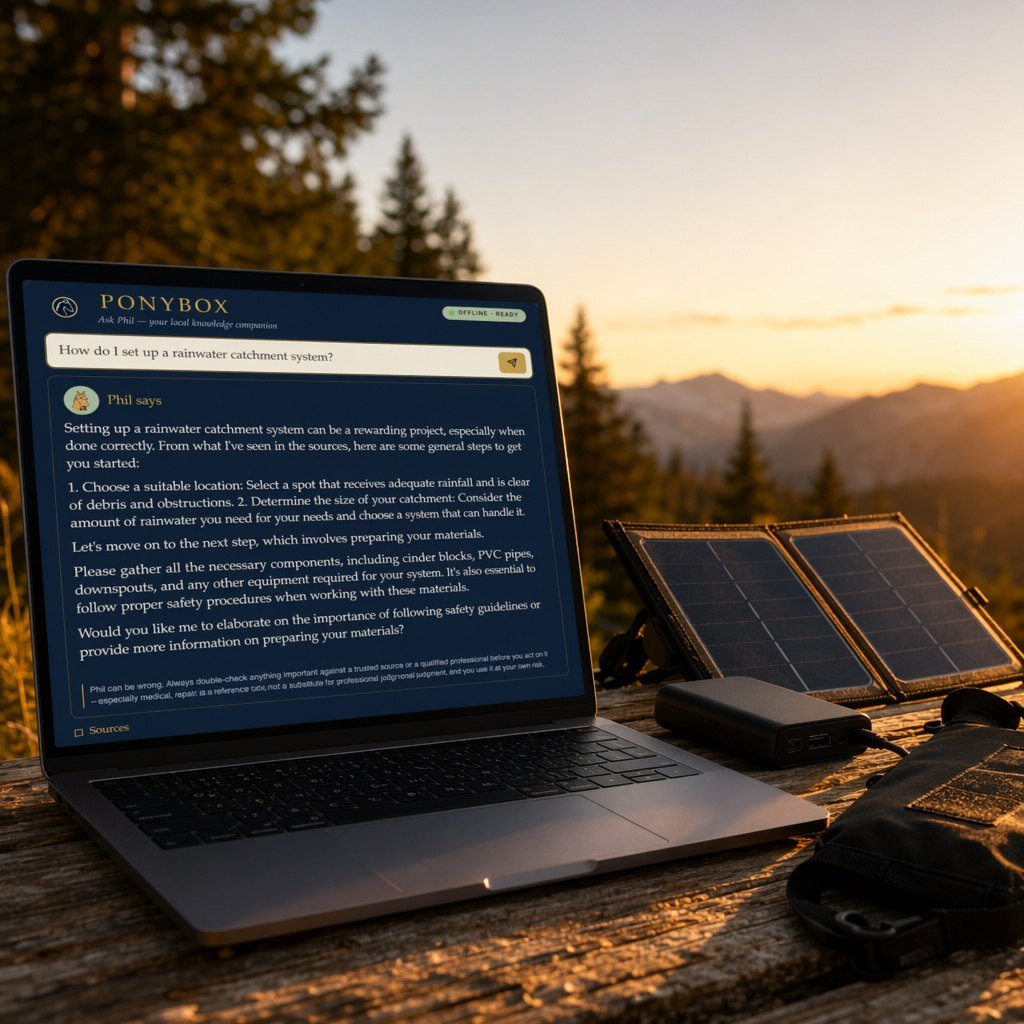
Pictured with the solar panel, battery bank, and signal-blocking bag we recommend, available separately.

PonyBox began as a worry. I camp with my family, often well off the grid, and more than once I wondered whether I’d have what I needed to keep them safe if something went wrong out there. So I built a private library of practical knowledge, and a patient pony named Phil to hand me the answer the moment I ask. Friends saw it, and asked for their own.
Read the whole storyEvery one of these came from a PonyBox with the internet unplugged. Real questions, Phil’s real answers, pulled from the library in the box.
A very small window into a very deep library.
The handful of screenshots below are exactly that: a handful. Inside sits a library of millions, from a full medical encyclopedia to thousands of books to the entire country, mapped.
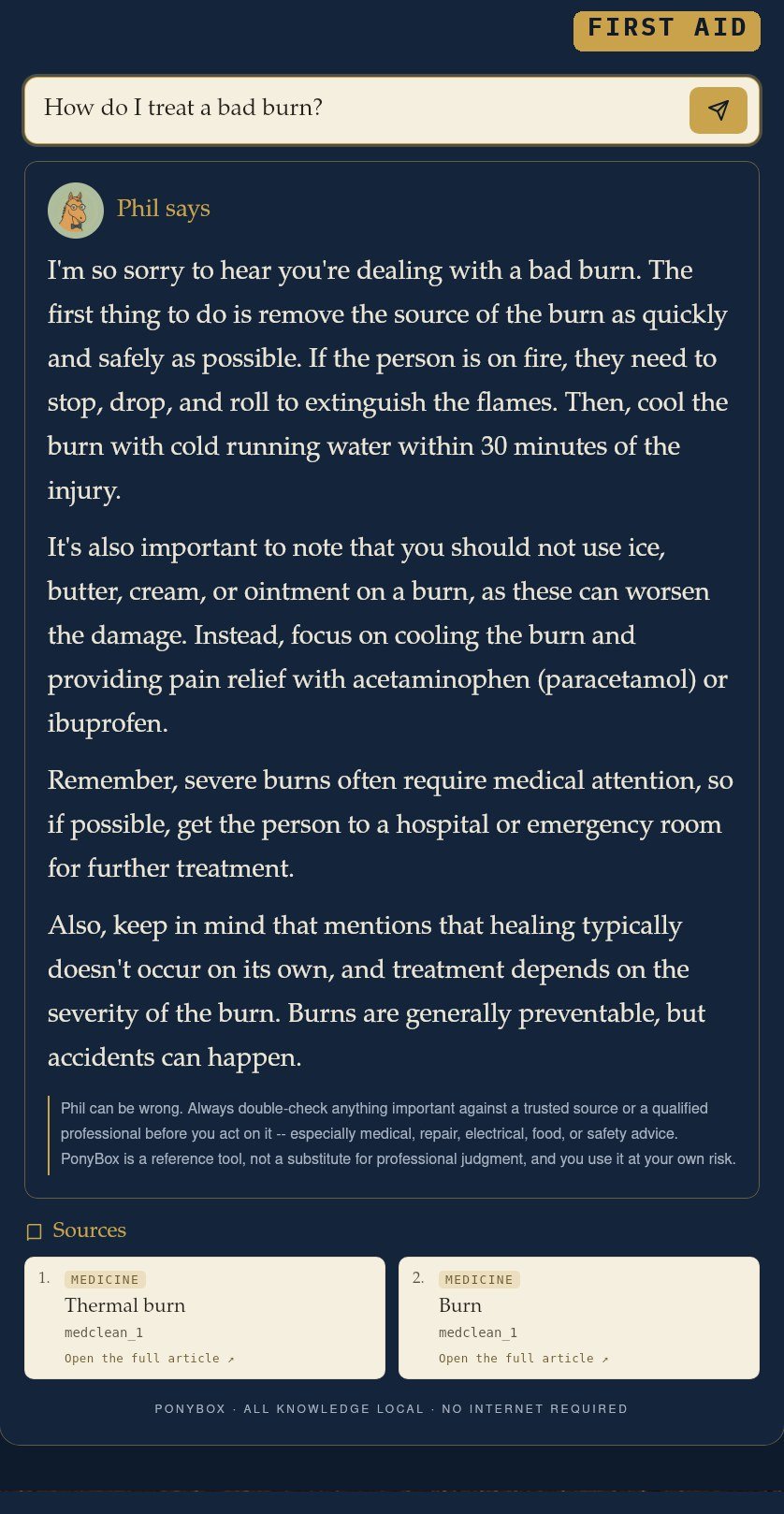
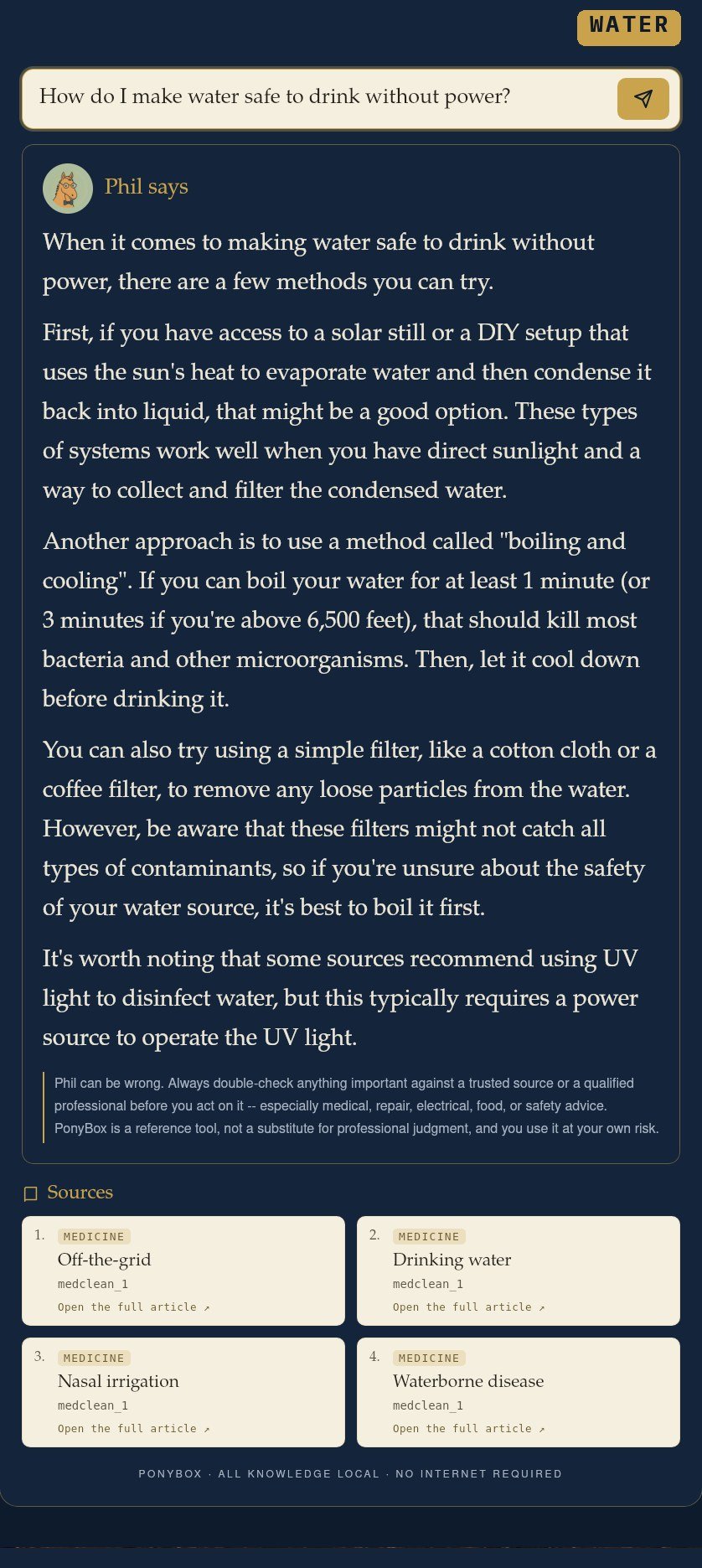
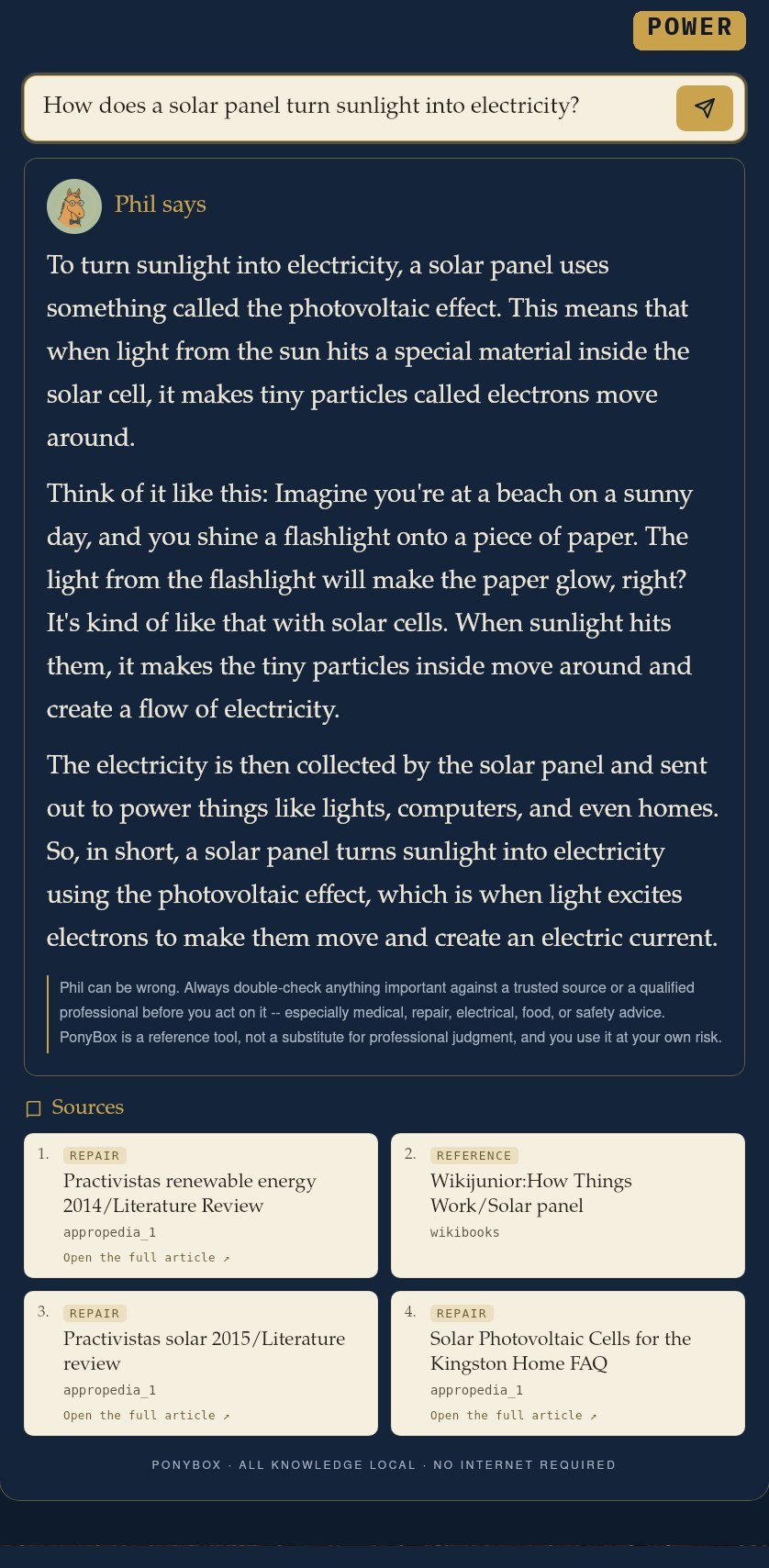
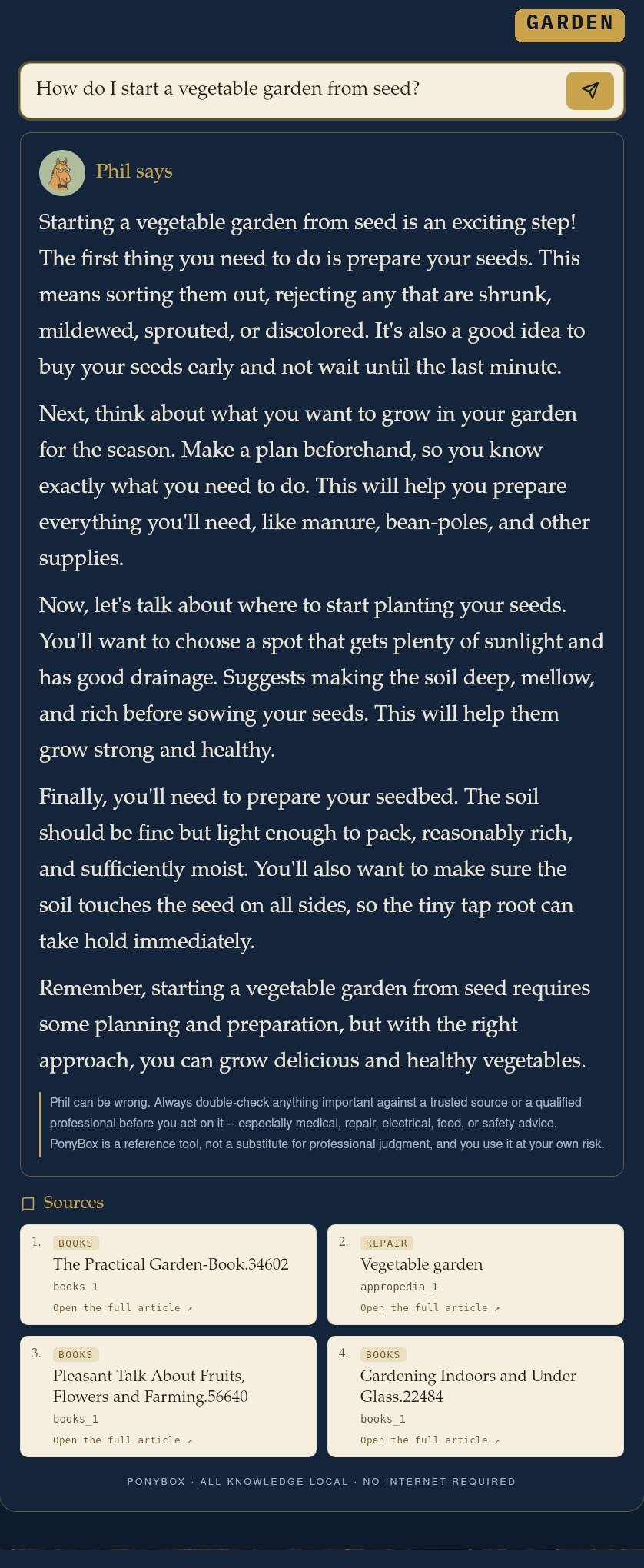
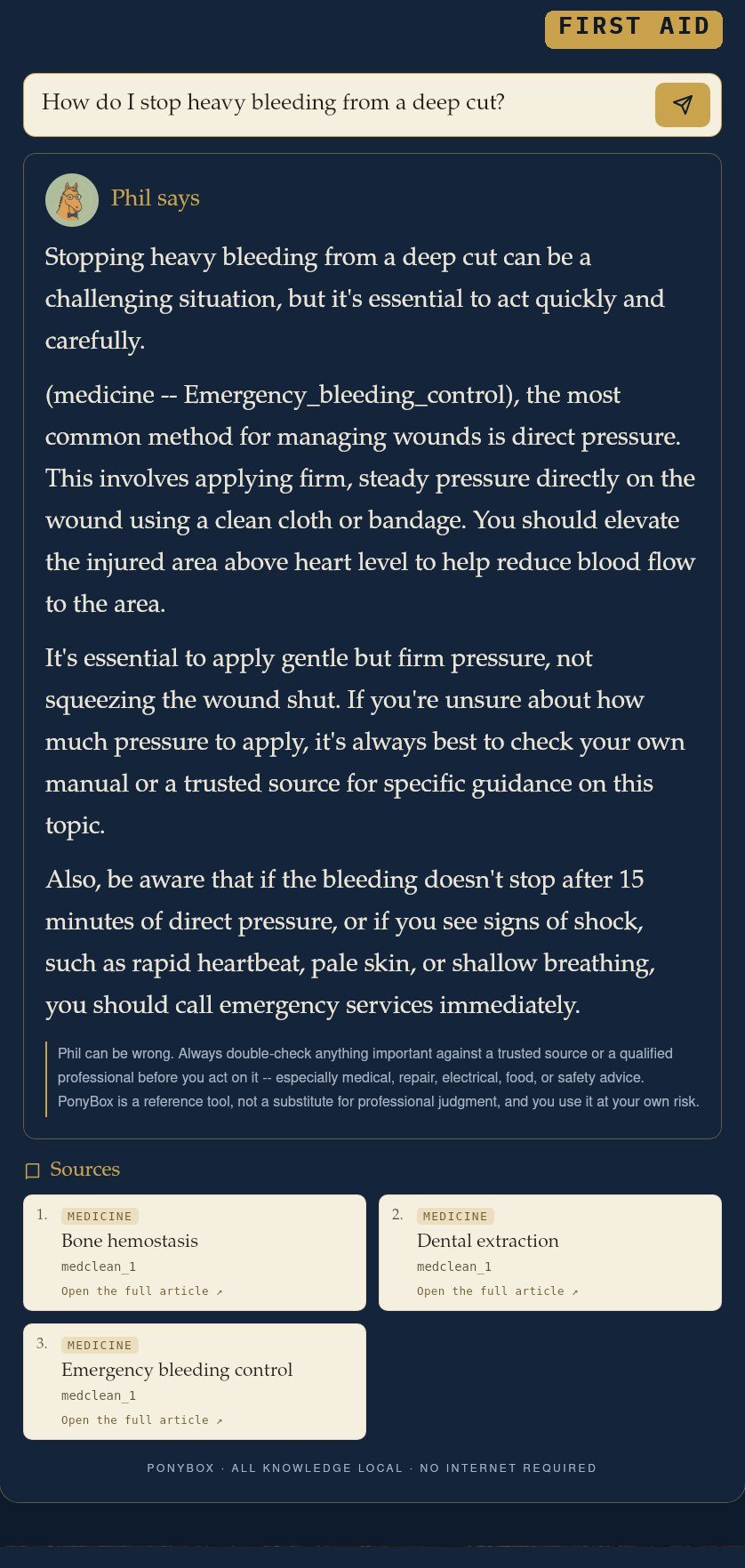
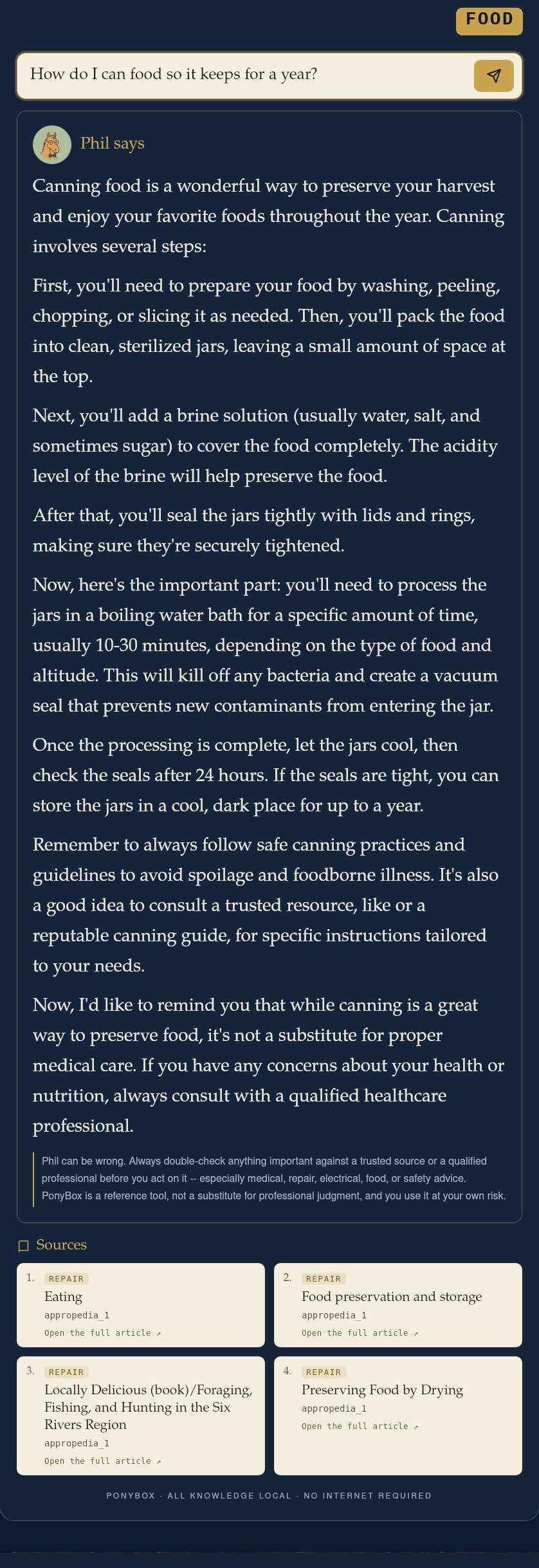
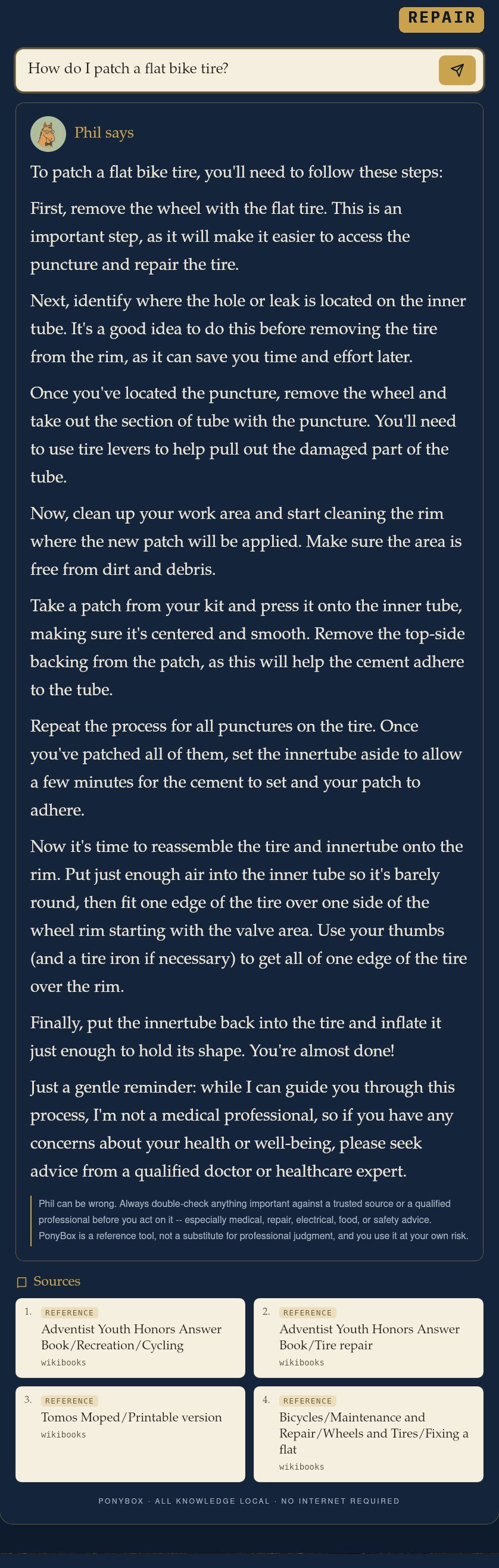
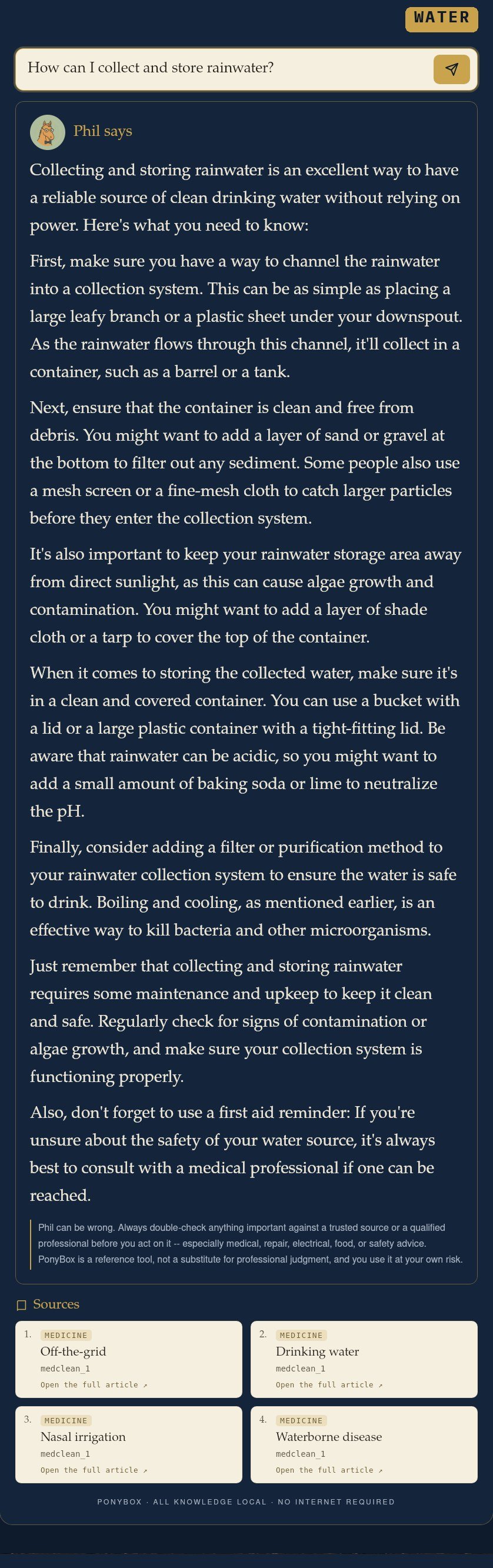
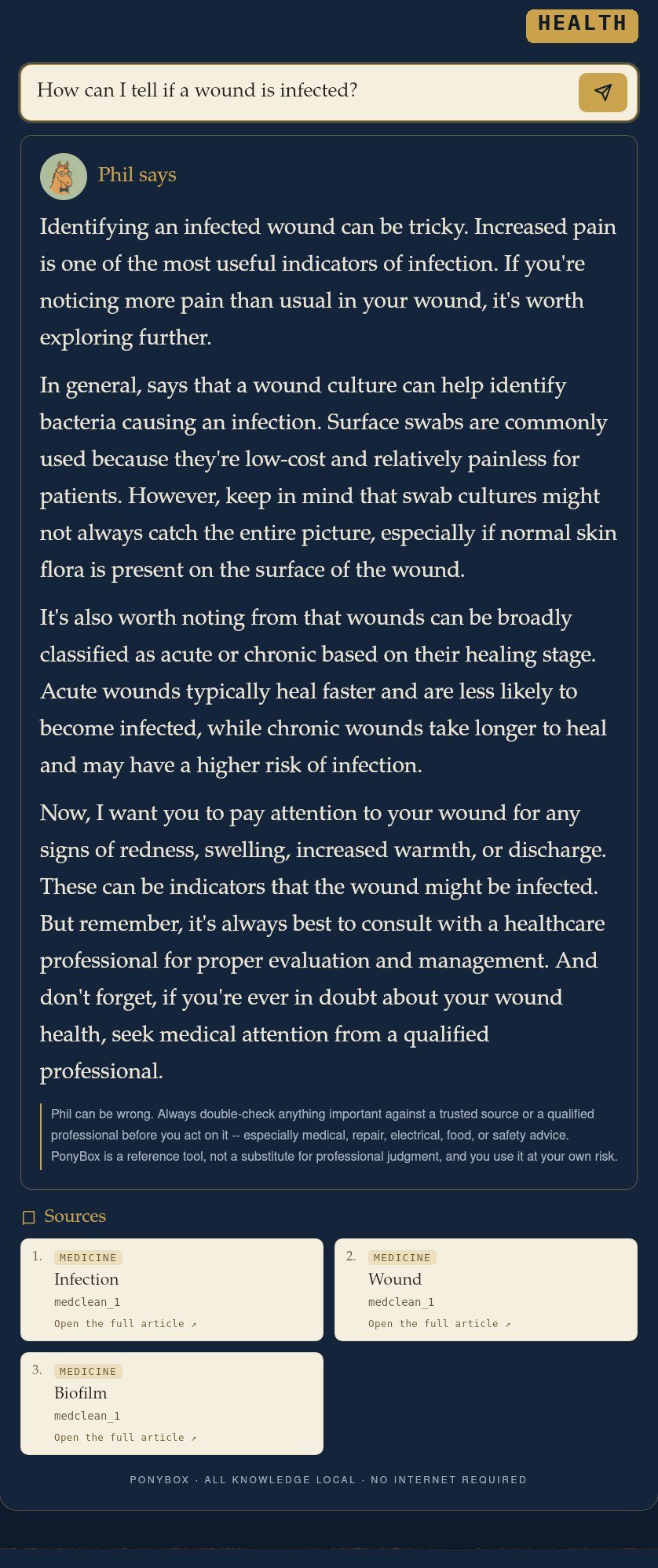
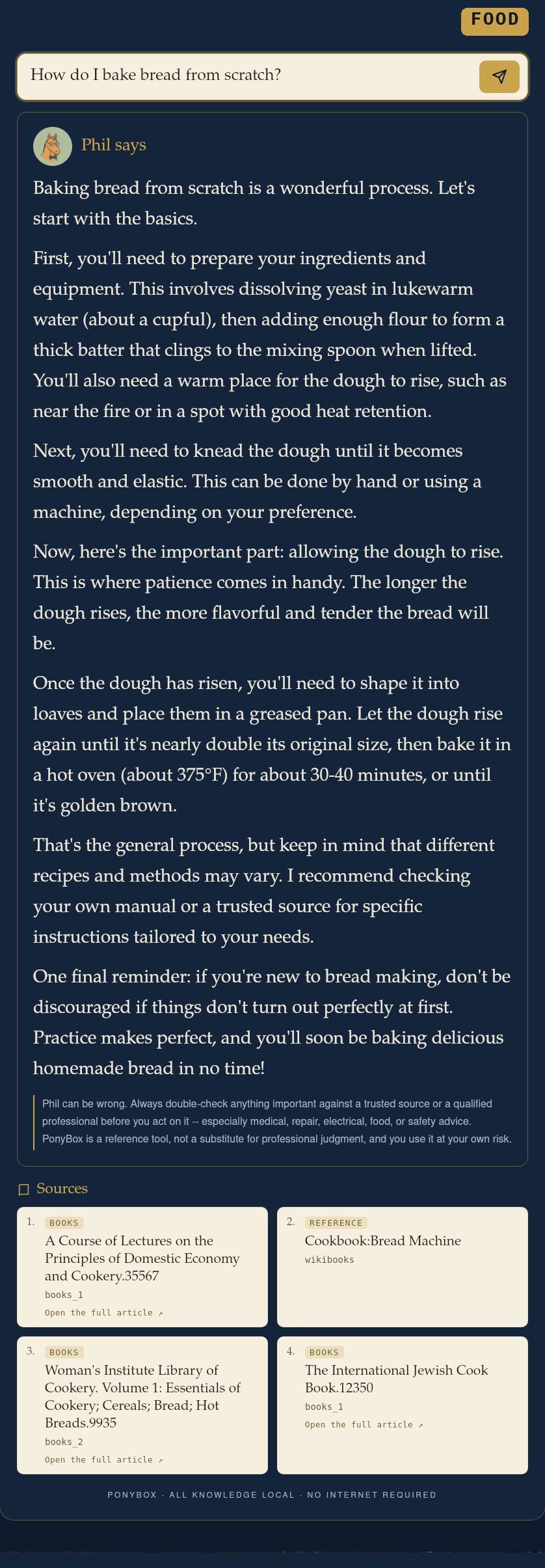
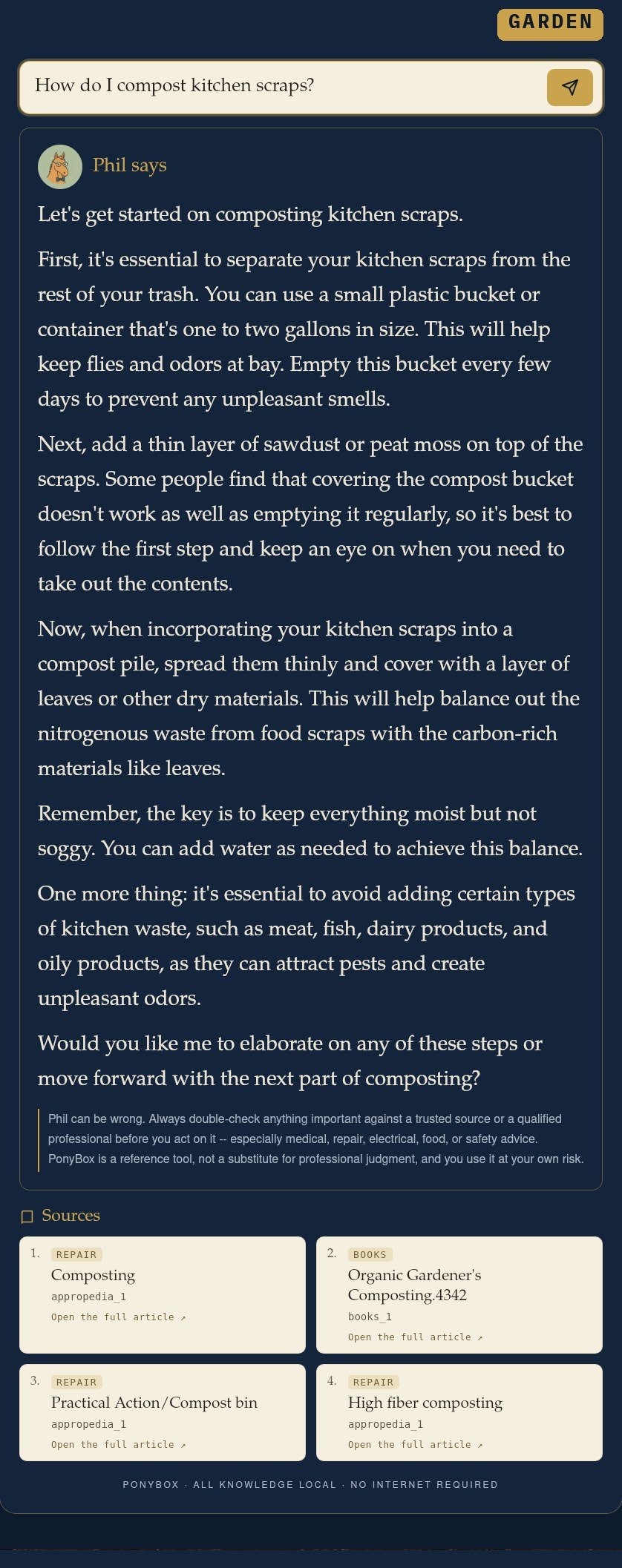
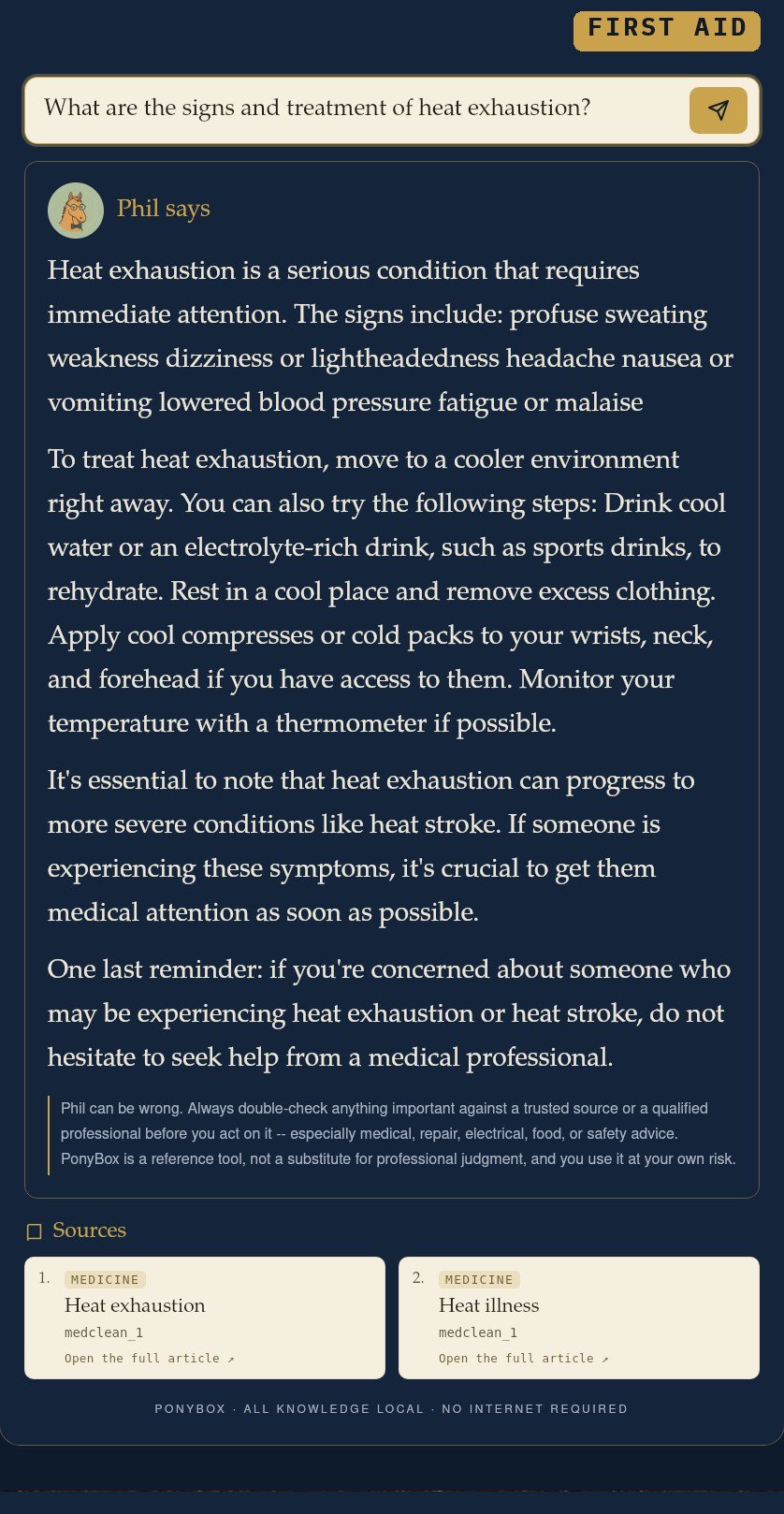
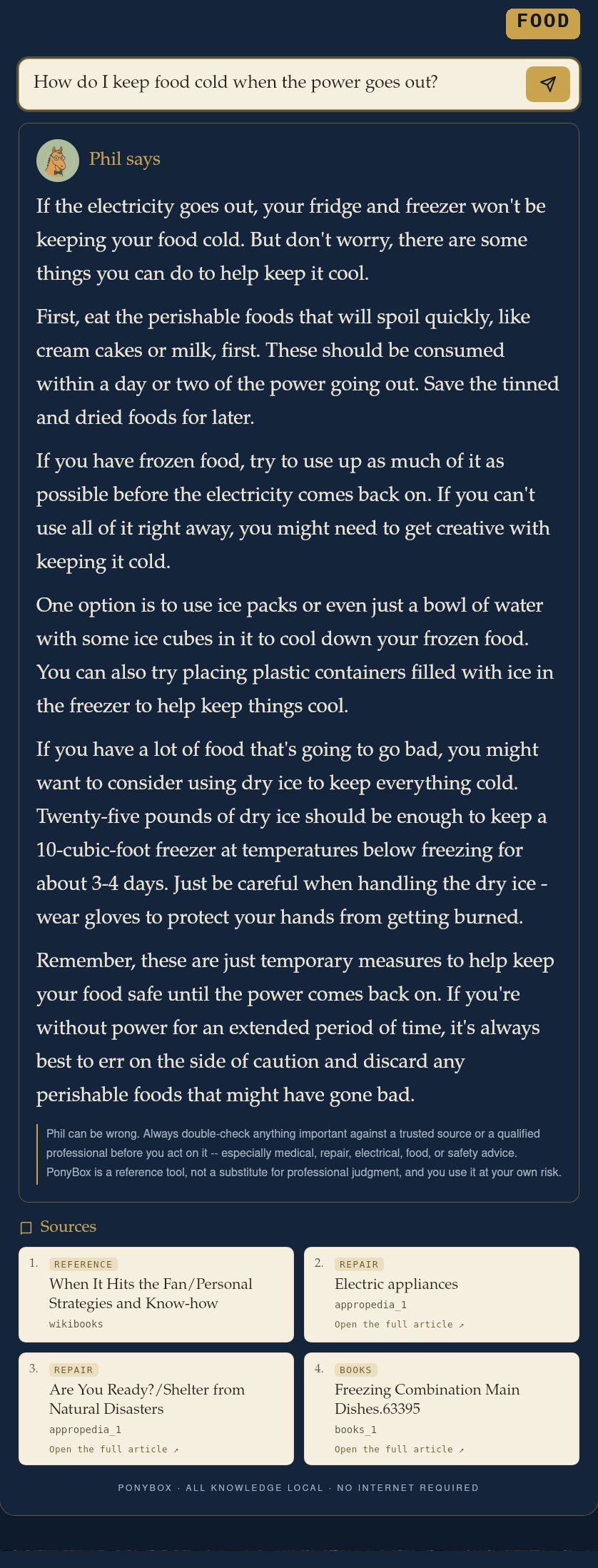
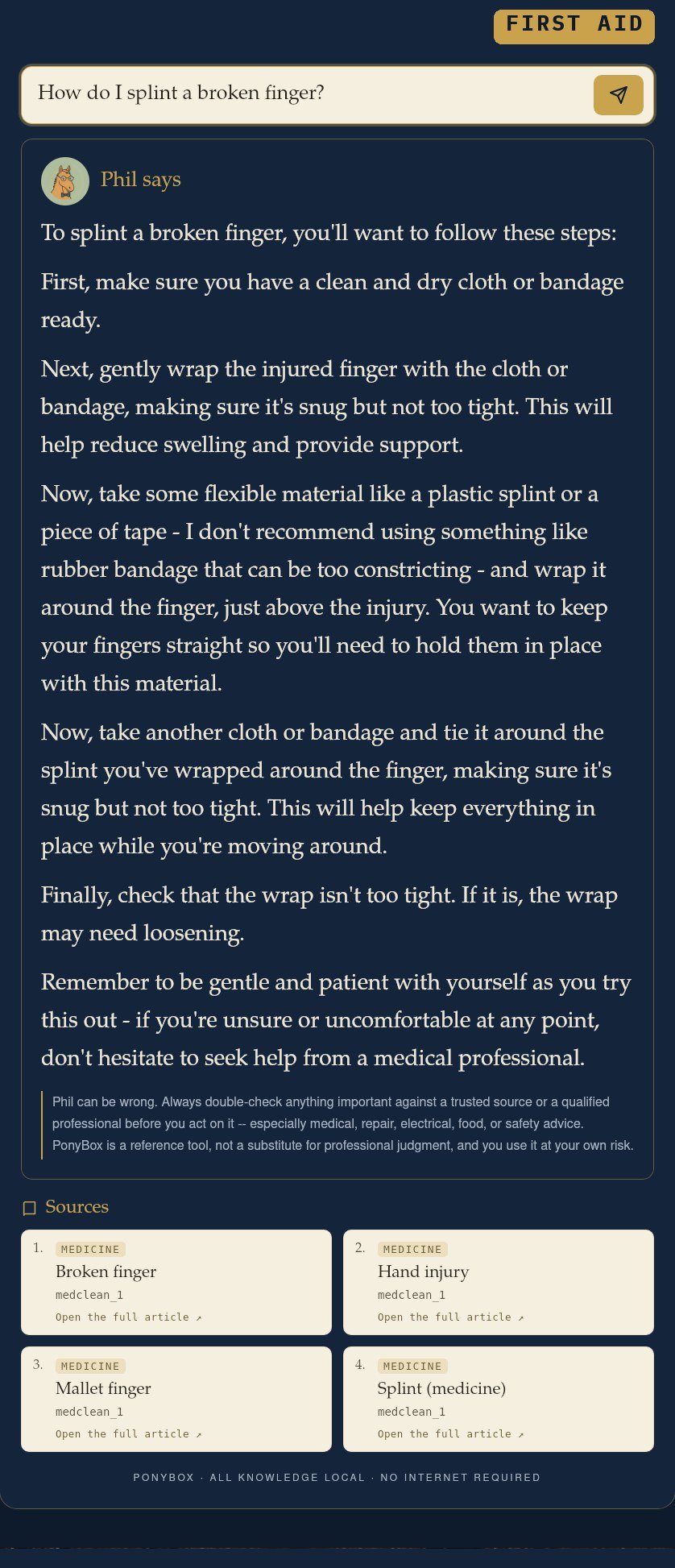
Every source lives in the box · nothing fetched from the internet
Phil isn’t the only way in. Ask him and he answers. Or open the Atlas and the whole country’s on the table, or step into the Library and read the source yourself, cover to cover.
Ask a plain question, get a plain answer, drawn from the library sitting inside the box.
Door twoTopographic and aerial maps of the entire United States. Zoom from the whole country down to the town or city.
Door threeOpen the actual books and encyclopedias and read them yourself, page by page.
Every mile of the United States in survey-grade detail: topographic relief and aerial imagery, side by side, one tap apart. It all lives in the box, so there are no blank tiles when the signal’s gone.
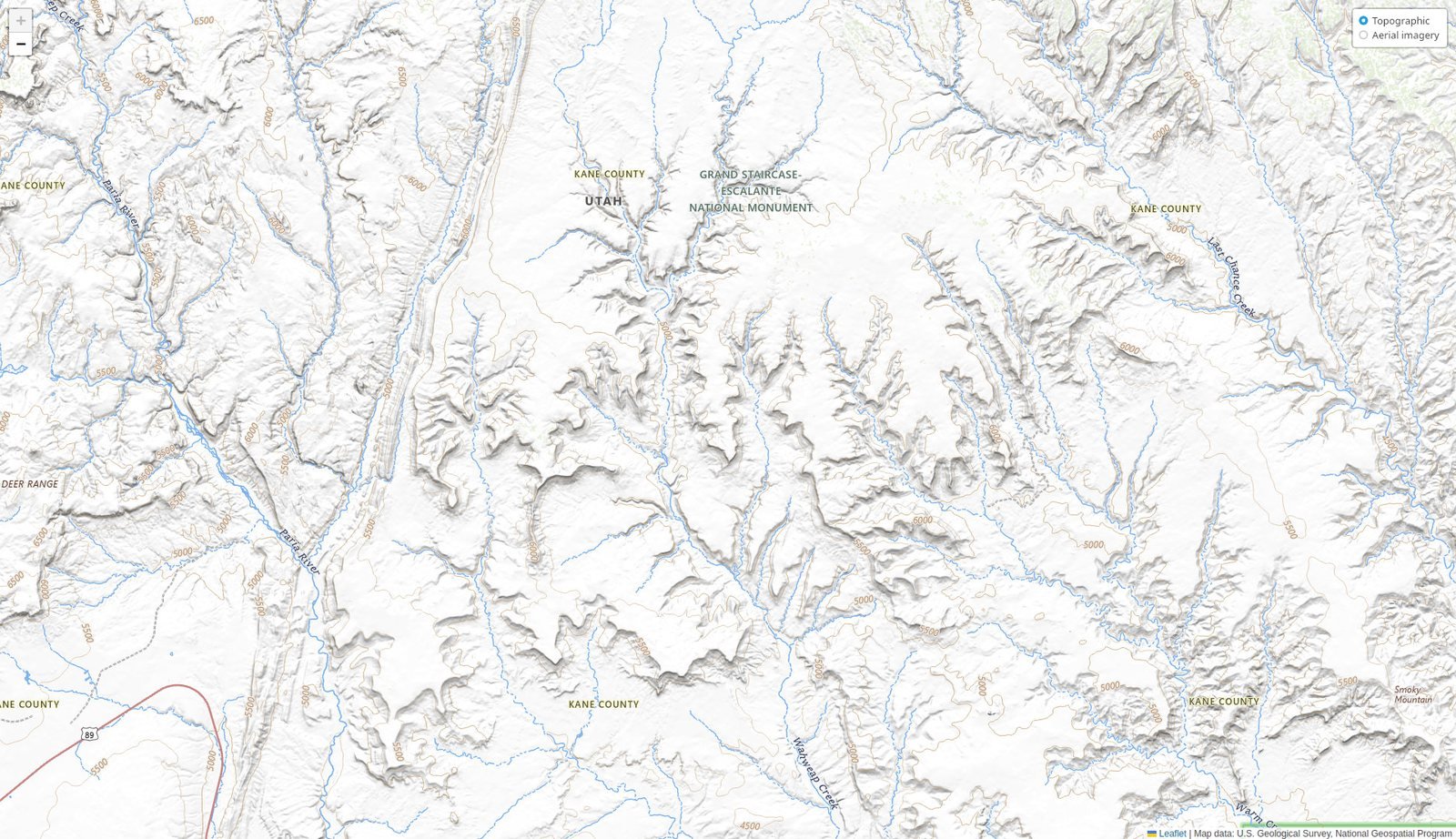
Grand Staircase–Escalante, Utah · topographic relief, straight from USGS survey data
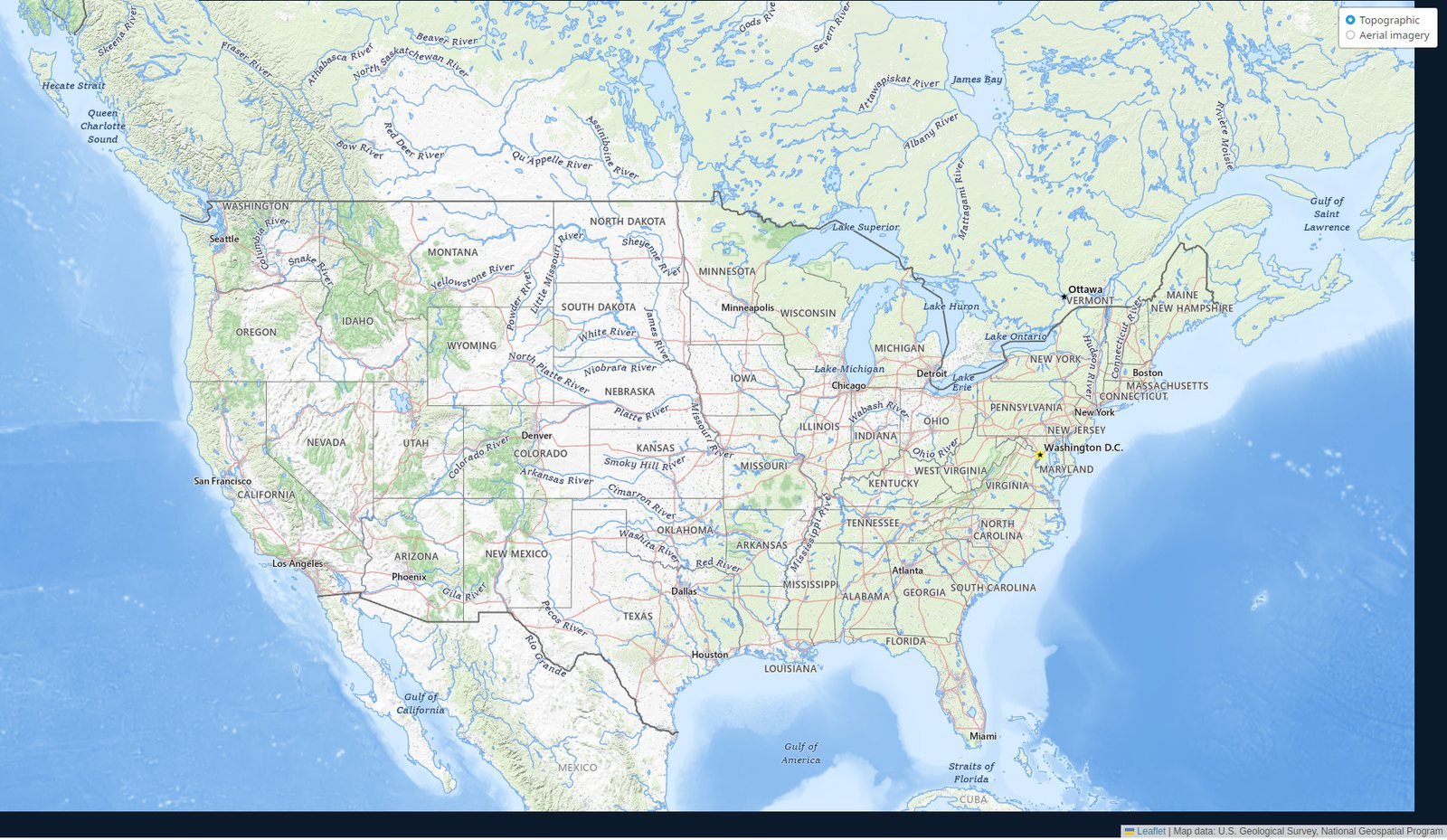
The whole country · topographic
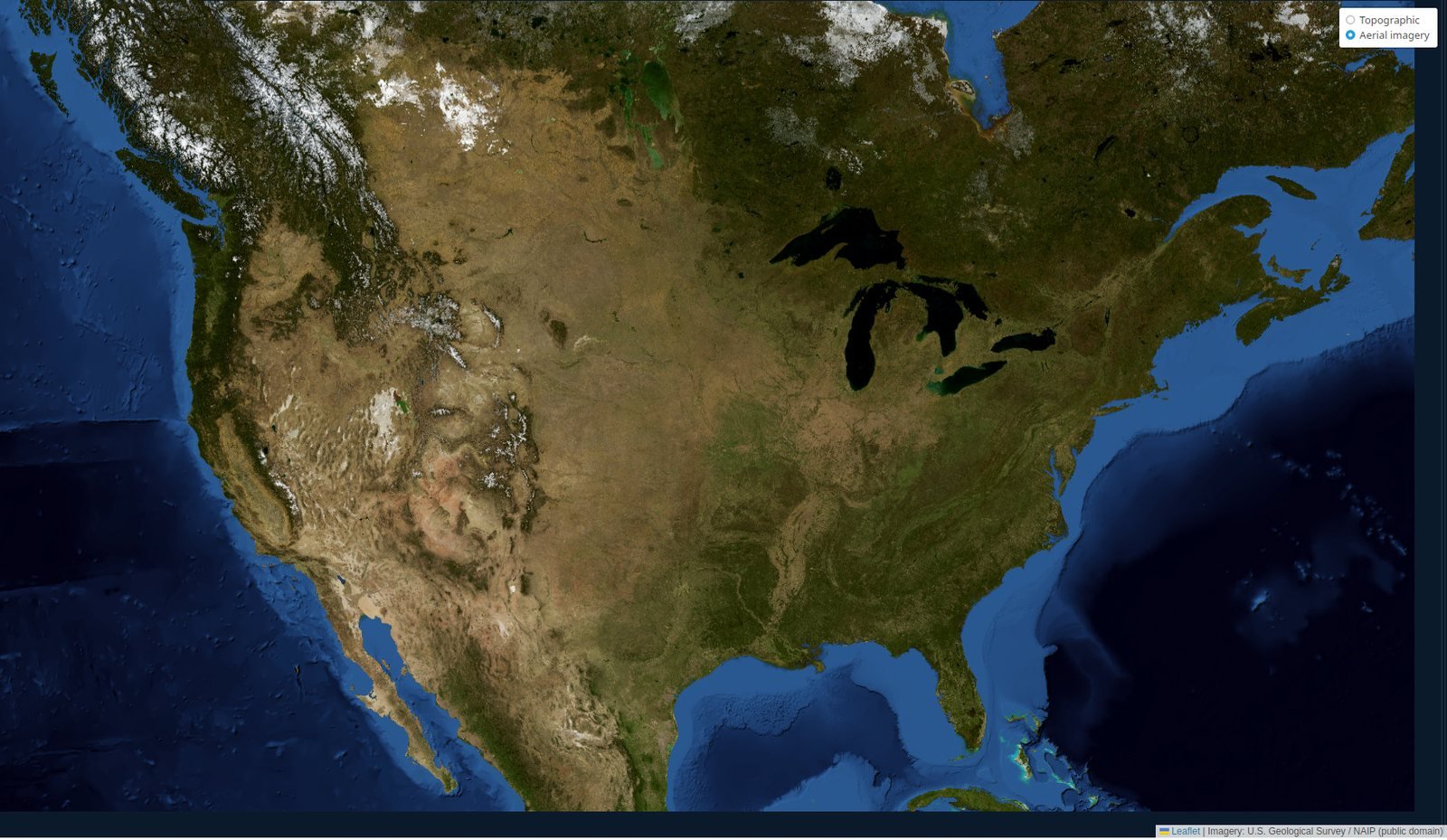
The same view, one tap over · aerial imagery
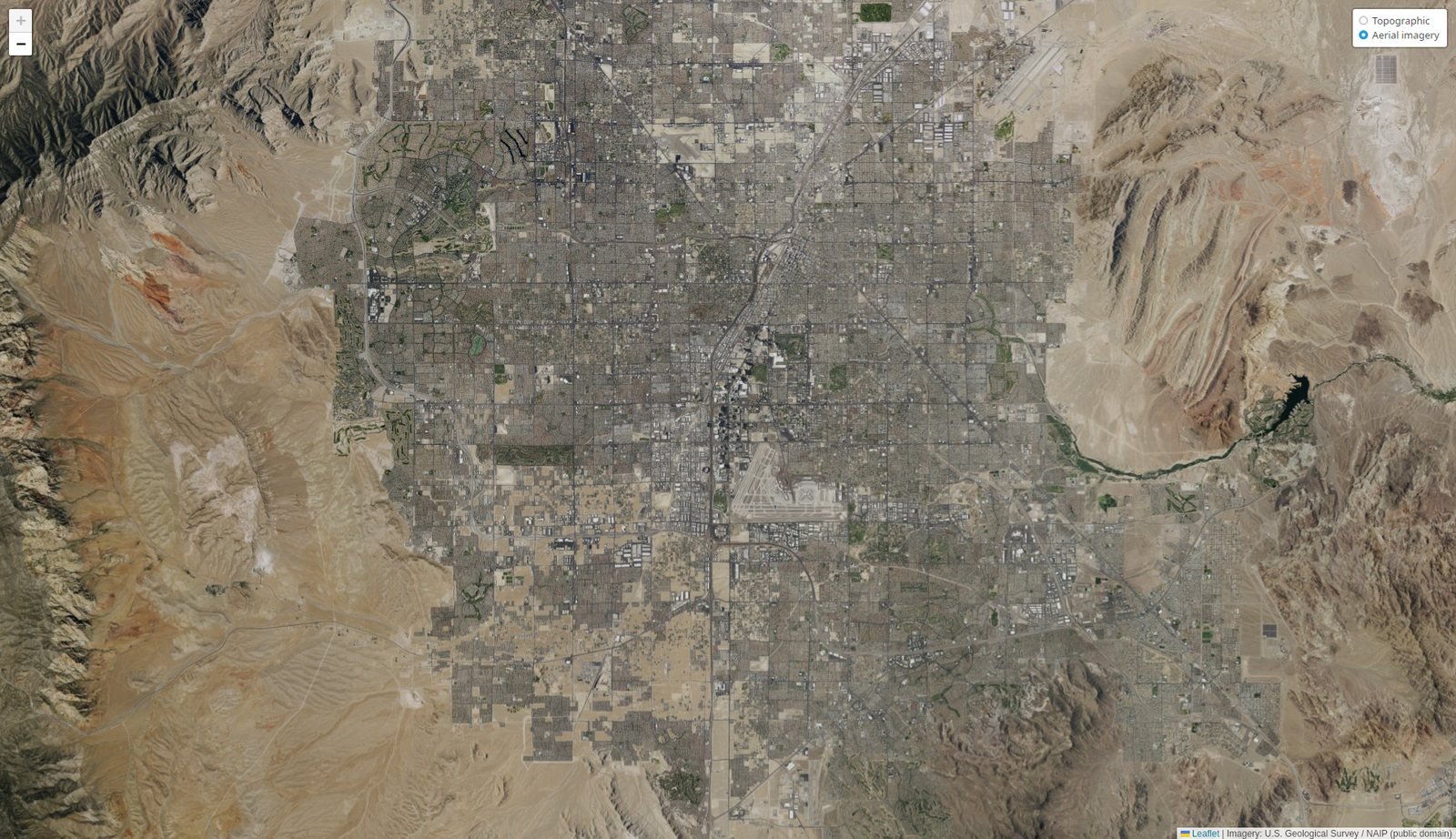
Las Vegas, Nevada · aerial, up close
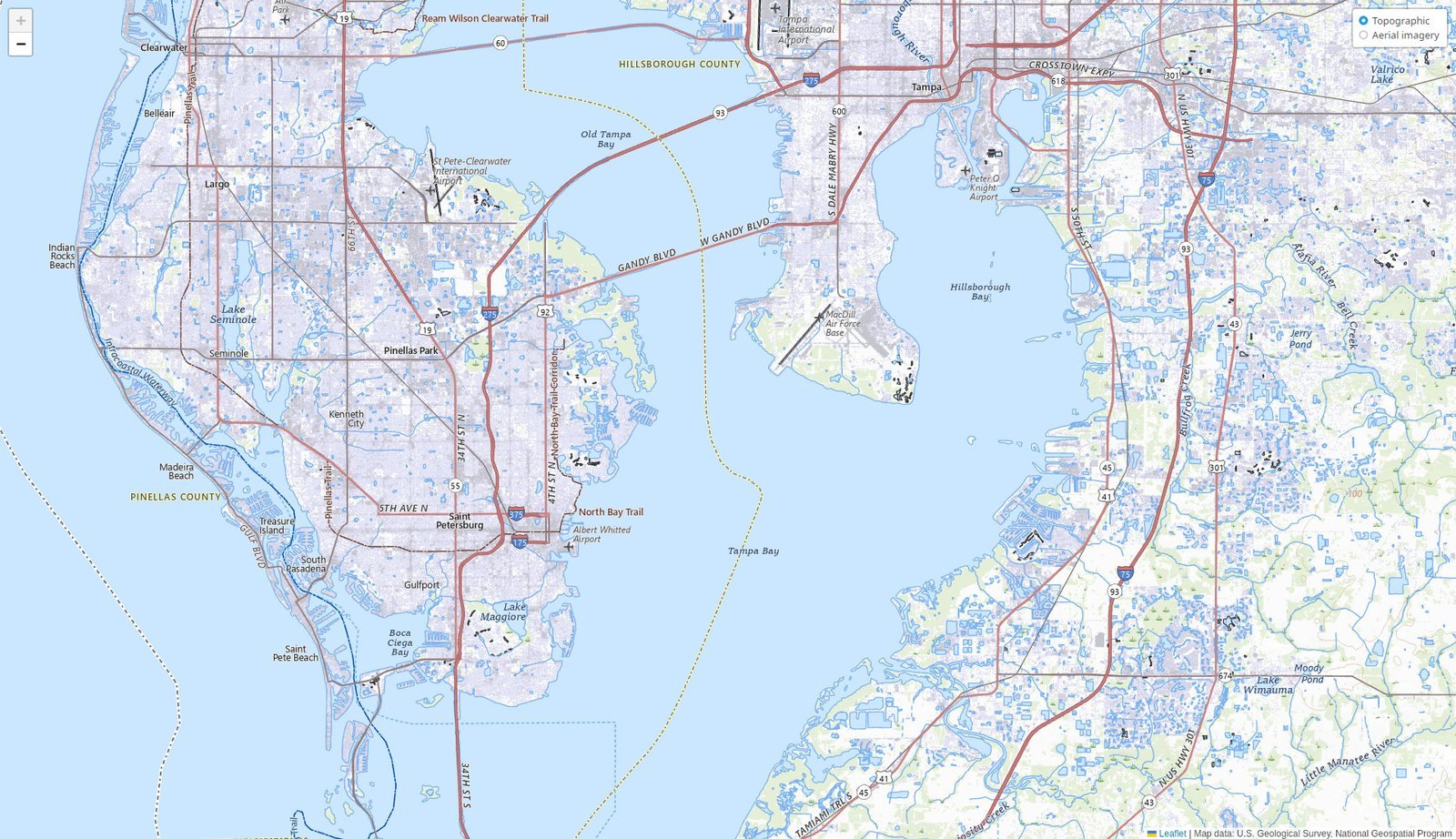
Tampa Bay, Florida · zoomed in to the town
When you want more than an answer, open the Library and read the source yourself: a full medical encyclopedia, thousands of curated books, the sustainability wiki, the largest dictionary on the web. Every word stored in the box.
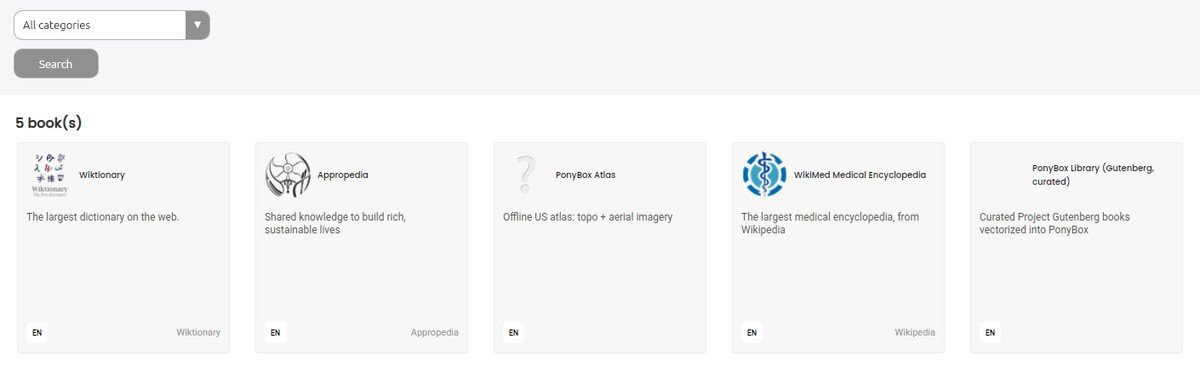
Five collections · Wiktionary, Appropedia, the Atlas, a medical encyclopedia, and thousands of curated books, all offline
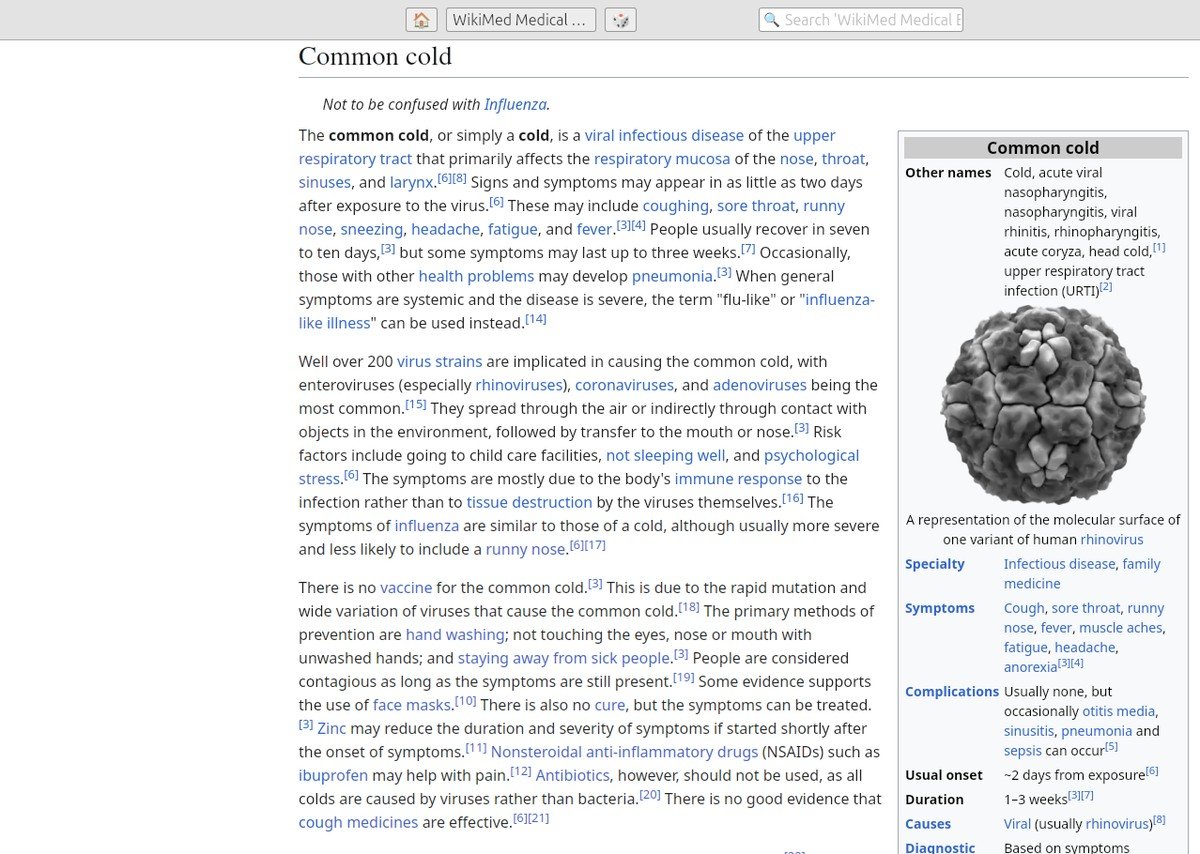
A full medical encyclopedia · symptoms, causes, and treatment
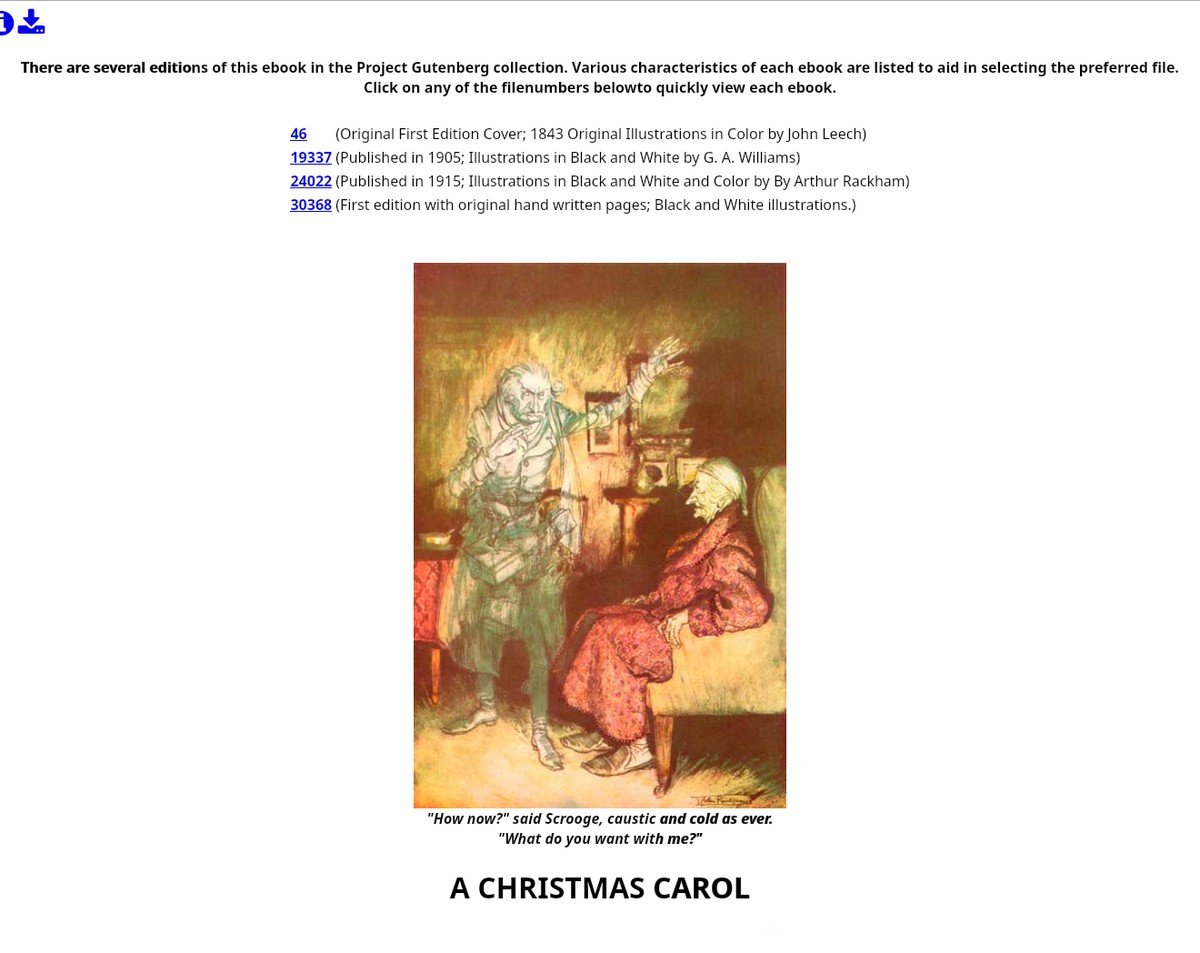
Thousands of real books · illustrations and all
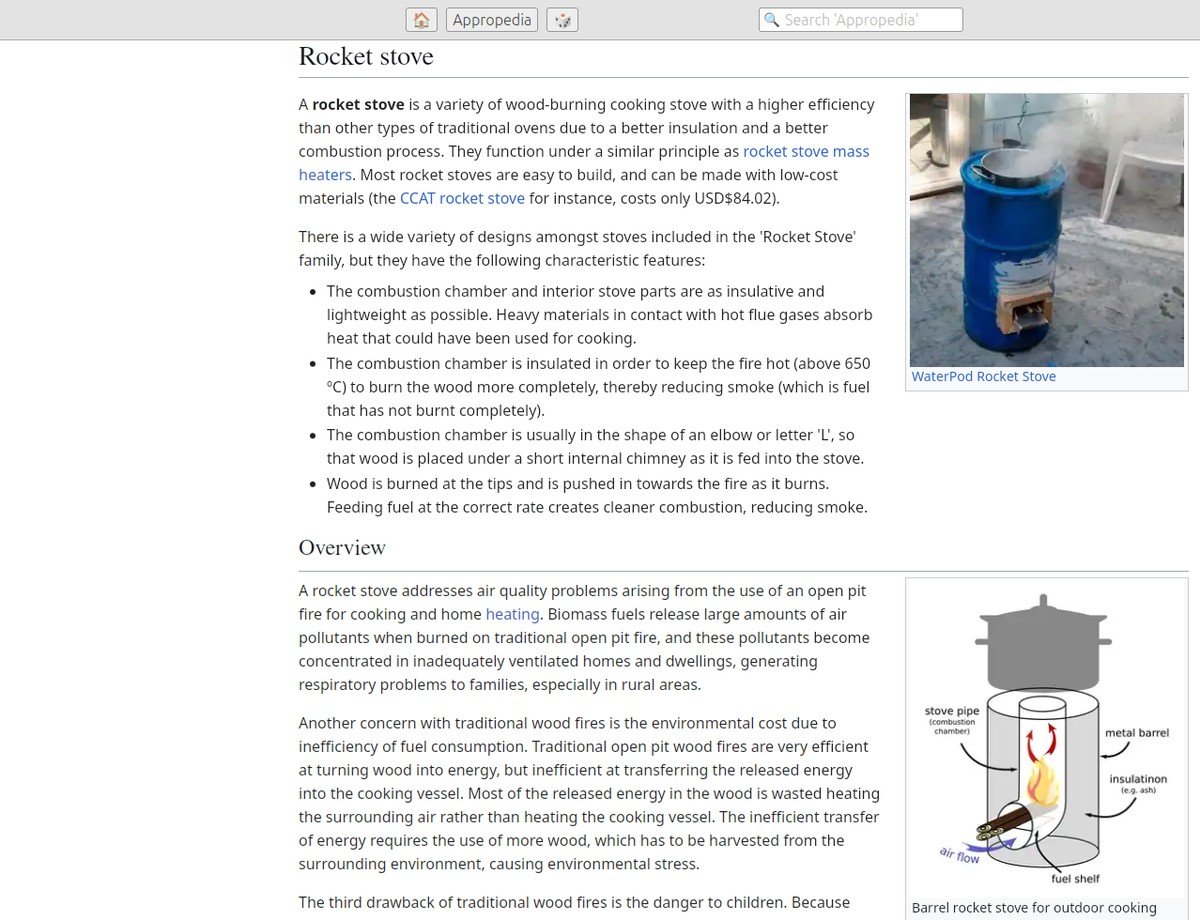
Build-it-yourself guides · a rocket stove, step by step
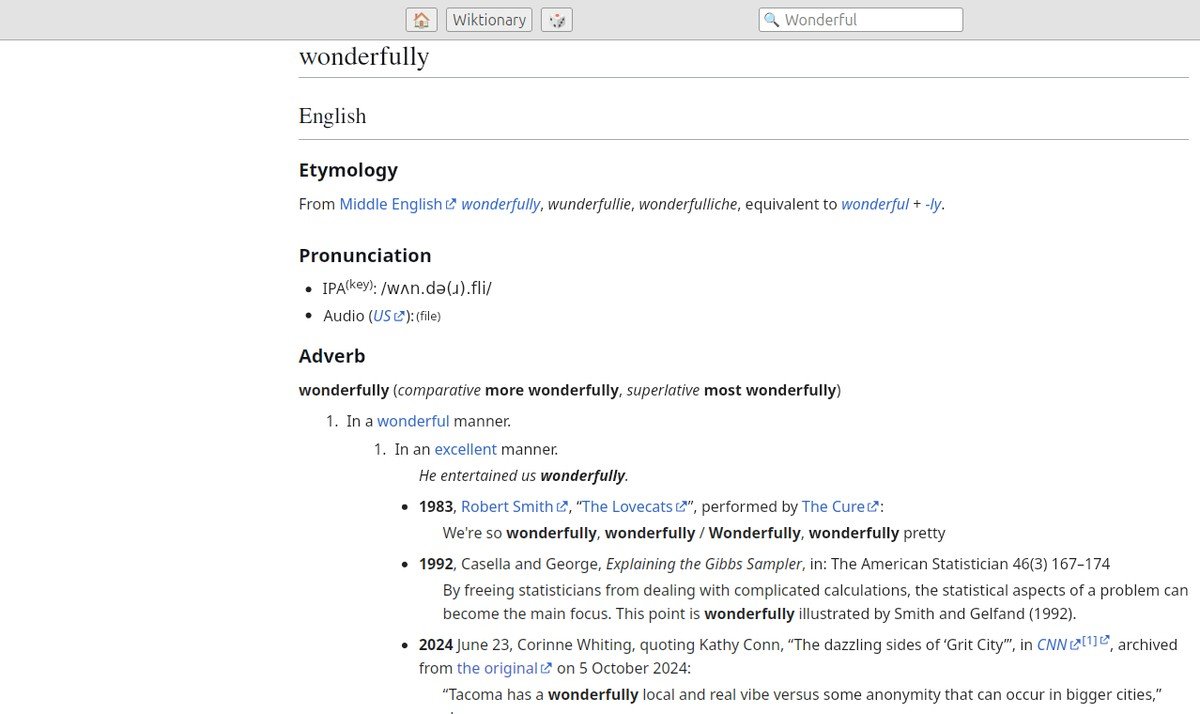
The largest dictionary on the web · full entries and quotations
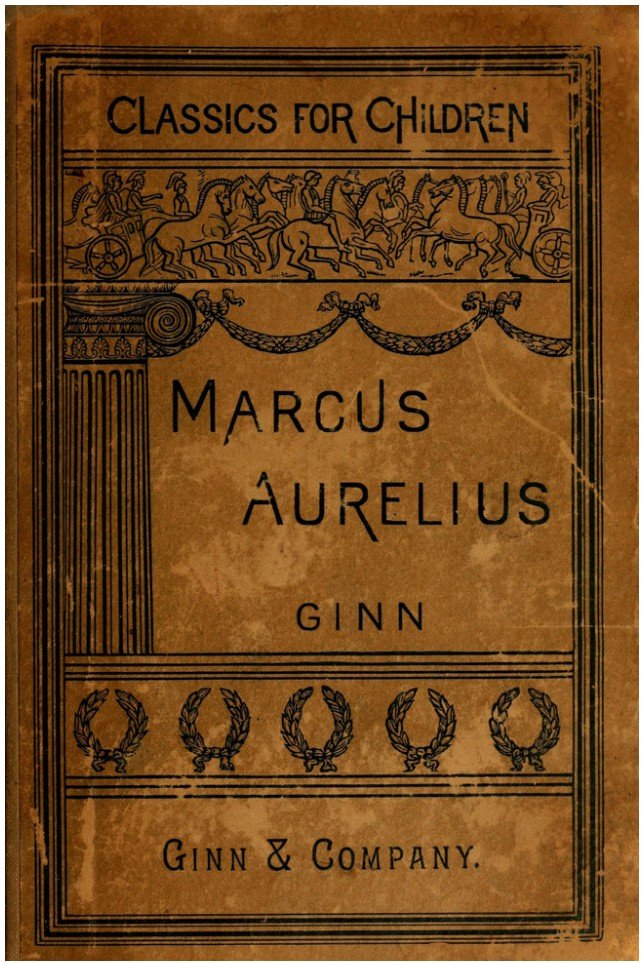
From Marcus Aurelius to Hemingway to your grandmother’s cookbook: thousands of full books, every one public-domain, every page in the box.




Most of what a PonyBox is worth is the list of things it will never ask you for.
It never phones home, because there’s no home to phone. Storms, outages, dead zones: Phil doesn’t notice.
Buy it once. Nothing to renew, nothing to cancel, no bill that quietly creeps up on you next year.
No sign-up, no downloads, no drivers to chase. Open the lid, and Phil is already there waiting.
Your questions stay between you and Phil. There’s nowhere else for them to go, and no one else to see them.
For those who know enough to worry they don’t know enough.
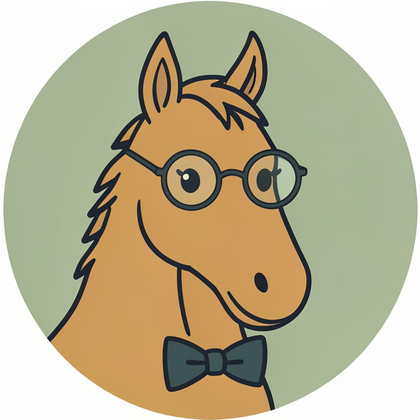
Phil is the patient, plain-spoken librarian who happens to be a pony. Ask him anything: how to stop a running toilet, what a burn needs, how to say “thank you” in six languages. He answers from the library sitting inside your PonyBox.
He’ll tell you when he isn’t sure, point you to the book he read it in, and never pretend a kitchen-table fix is a substitute for a doctor or an electrician. That’s the whole idea.
And Phil takes a moment. Ask him something and he reads across the whole library before he answers. Usually about a minute, rarely a little more. He’s a pony, not a racehorse, and he’s doing it all himself, right there in the box. No warehouse of servers, no shortcuts. Just Phil, thinking it through for you.
When the screens are off and the night runs long, Phil can spin you a tale: a bedtime story for the little ones, something spooky for the campfire, an adventure to read aloud. Pick a kind, and he writes a fresh one on the spot. No internet, no reruns. A different story every time.
YouTell me a bedtime story about a brave little fox.
PhilOnce, in a hollow beneath the old oak, there lived a fox no bigger than a teacup, with a heart three sizes too big for her…
A fresh answer usually takes about a minute, rarely a little more. That pause is a good thing: it means the whole library lives in the box, not in some data center, and your question never leaves the room.
Think of it the way you think of insurance. You buy it, tuck it away, and hope you never need it. Everything’s ready out of the box: Phil, the whole library, and what it takes to keep running.
Straight answers, before you even have to ask.
The PonyBox works fine on its own, but if you want to be ready for anything, here’s the simple kit we’d pair with it. All sold separately, and easy to pick up yourself.
A small folding solar panel to recharge the PonyBox off the sun when there’s no outlet in reach.
View on AmazonA power bank to keep it running through the evening, or to top it back up after a cloudy day.
View on AmazonA Faraday-style pouch that shields electronics from signals and surges, a little extra peace of mind for storage.
View on AmazonThese are optional add-ons, offered by others and sold separately, not part of the PonyBox itself. Links point to Amazon and may change over time.
Some folks call it Grandma’s Apocalypse Laptop. We won’t argue.
 PONYBOX